 MX Player Pro
MX Player Pro is the paid, ad-free edition of MX Player for Android. You buy it once through Google Play, and the purchase stays tied to your Google account, so you can install it again on a new phone without paying twice.
Before you start
- An Android phone or tablet signed in to the Google account you want to use.
- A payment method in Google Play, or Play credit.
- Around 100 MB of free storage for the app and its data.
Step 1: Open the official listing
Use the download section on our homepage, which opens the MX Player Pro page in Google Play. Check that the developer is listed as MX Media & Entertainment Pte Ltd before you buy.
Step 2: Buy and install
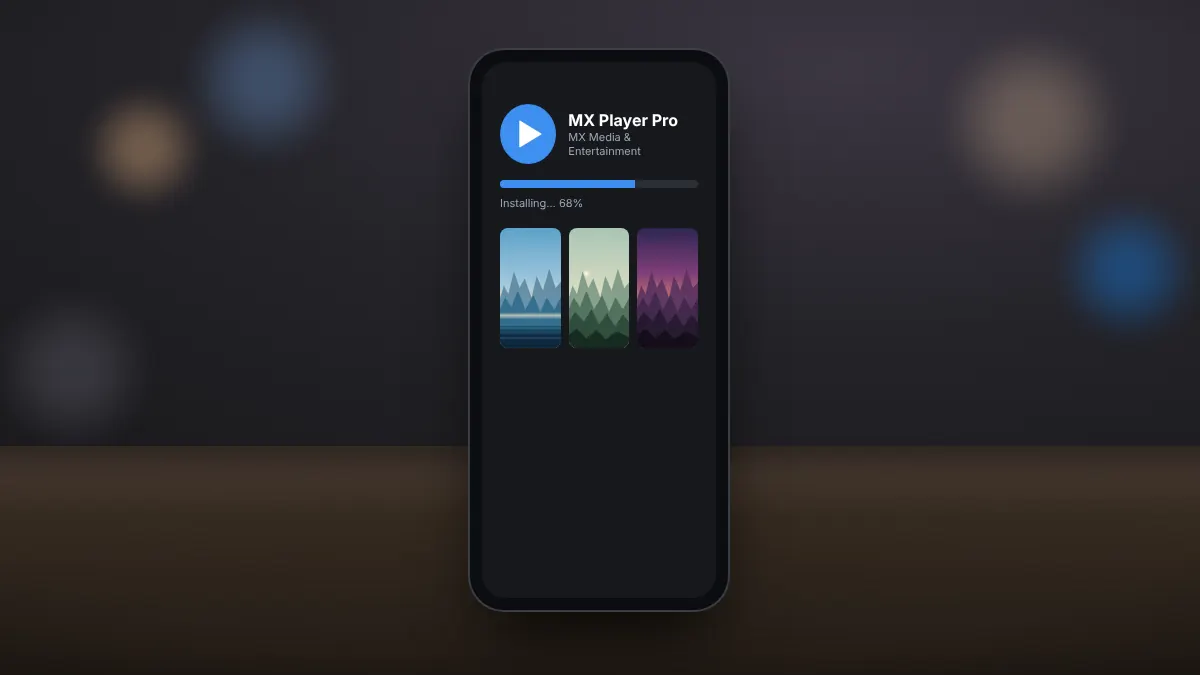
Select the price button, confirm the purchase, and Google Play downloads and installs the app automatically. The price shown is in your local currency and can differ between countries.
Step 3: Allow access to your videos
On first launch, Android asks whether MX Player Pro may access photos and videos, or files on newer versions. Allow it so the app can find the videos stored on your device. You can change this later in Android settings under Apps.
Restoring the purchase on a new phone
- Sign in to the same Google account on the new device.
- Open Google Play and go to Manage apps and device, then the list of apps you have installed before.
- Find MX Player Pro and install it. Play recognises the earlier purchase and does not charge you again.
Common problems
- The app says it is not licensed: make sure you are signed in with the account that bought it, then open Google Play once so the licence can refresh.
- Your device is not compatible: very old Android versions may not be supported by the current release.
- The download stalls: clear the Google Play cache in Android settings and try again on Wi-Fi.
Buying through Google Play keeps the app updated automatically and protects you from modified files that carry malware.