 MX Player Pro
How to Install MX Player Pro and Restore Your Purchase
Buy it once from Google Play, install it on every phone you own, and restore it after a reset.
Read fullPlays almost any video format on your phone and handles subtitles with ease.
MX Player Pro is built around one job: playing the videos on your phone smoothly, in almost any format, with controls you can reach without looking.
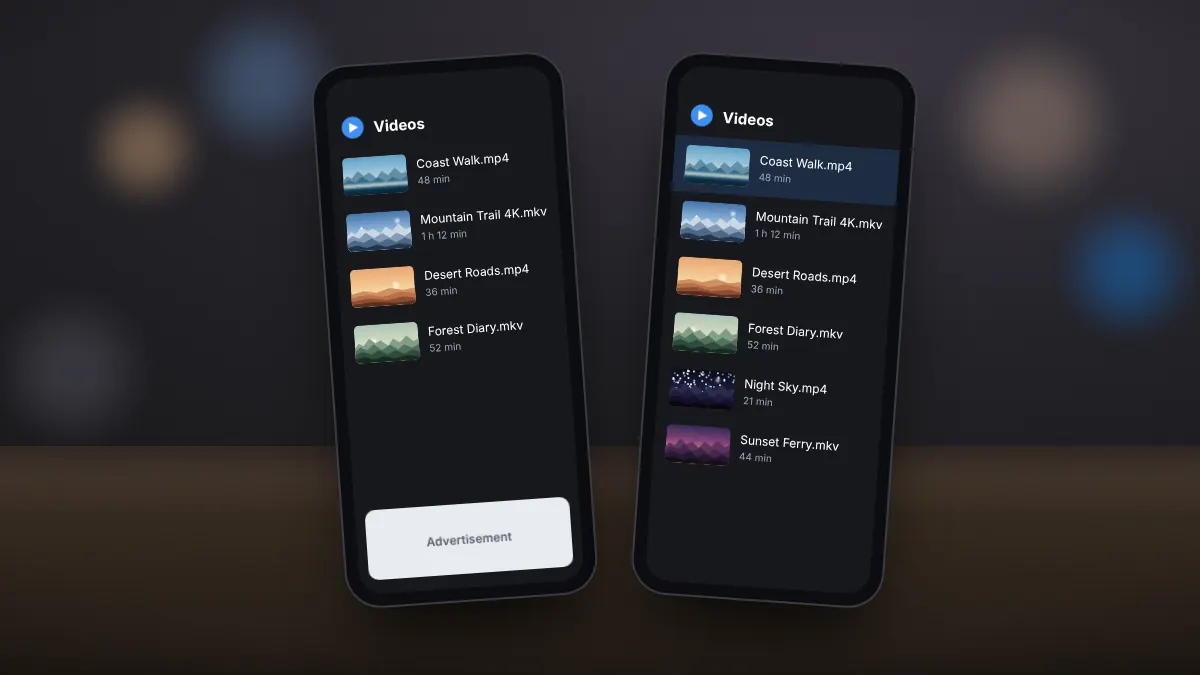
The Pro edition removes the banners and full-screen ads found in the free app, so nothing interrupts a film or a lecture.
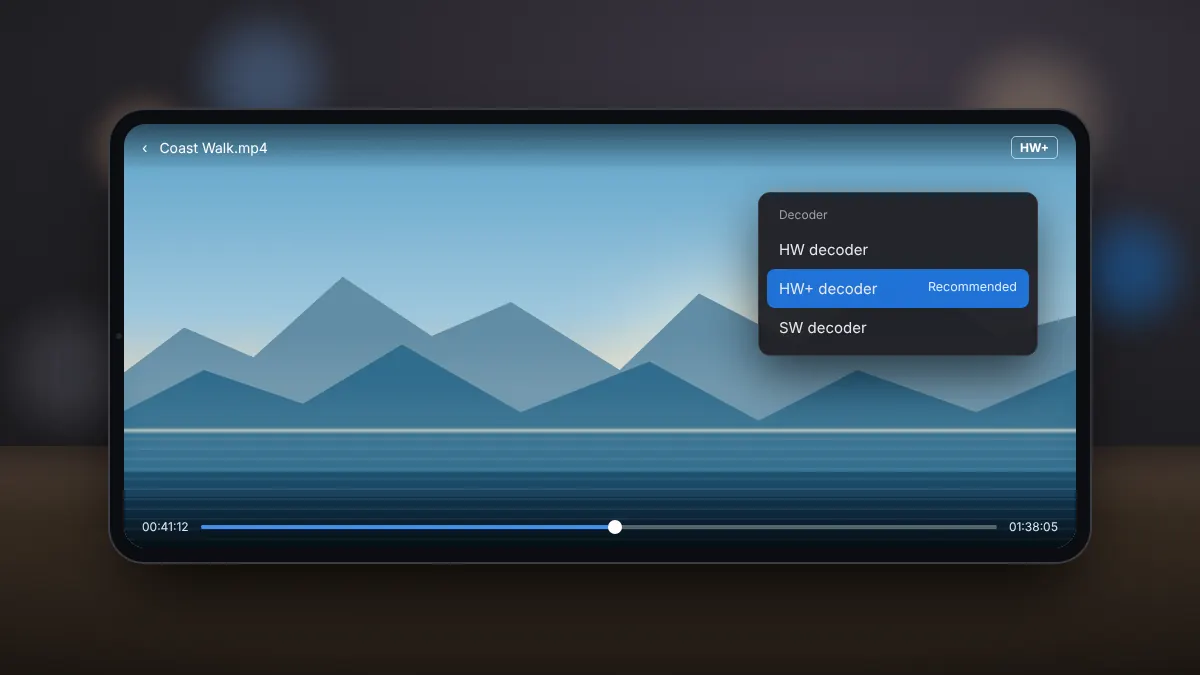
HW and HW+ decoding use the phone's video hardware for smooth 4K and even 8K playback with lower battery use.
When software decoding is needed, the work is spread across several processor cores to keep demanding files watchable.
Swipe for volume and brightness, slide to seek, pinch to zoom and double-tap to skip, all without opening a menu.
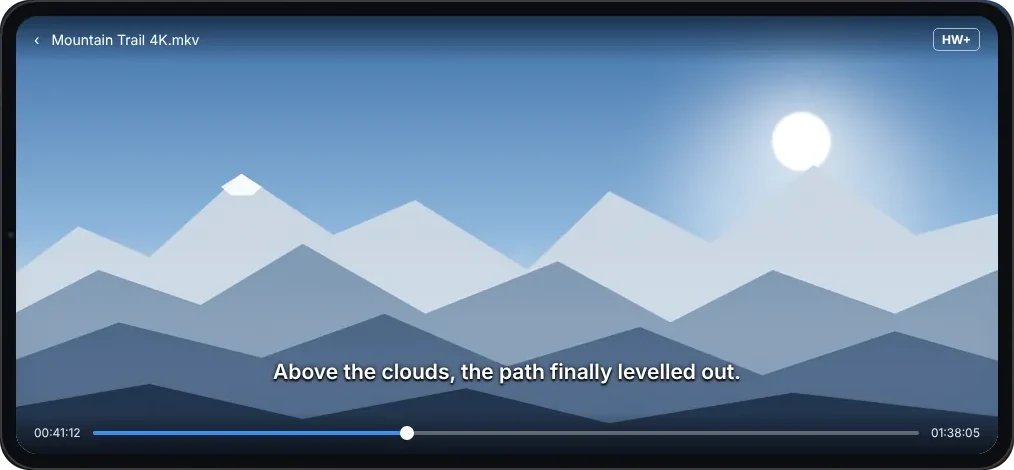
SRT, SSA/ASS, VobSub and WebVTT files load alongside embedded tracks, with online search and quick timing fixes.
Locks the screen on one video so children cannot leave it, change settings or open other files by accident.
Keep watching in a small floating window while you reply to messages or browse in another app.
Play videos stored on a computer or network drive over your home Wi-Fi without copying them to the phone first.
The appeal is how little you have to think about it. Most files open straight away with the right decoder, subtitles appear when they are available, and the controls you use most are a swipe away. Settings are there when you want them, from decoder choices to subtitle colours, but none of them are needed before you can press play.
Get the download file with one click. Save it to your device and follow the installation instructions.
DownloadZIP file · Click Download to save
Both editions share the same playback engine. The paid edition removes advertising and keeps the focus on your own videos.
| What you get | MX Player Pro | Free edition |
|---|---|---|
| No advertising | ✓ | ✕ |
| HW and HW+ hardware decoding | ✓ | ✓ |
| Subtitles and subtitle gestures | ✓ | ✓ |
| Picture-in-picture and floating window | ✓ | ✓ |
| Kids lock | ✓ | ✓ |
| One-time purchase | ✓ | Free with ads |
If you watch on your phone every week, the one-time cost buys years of uninterrupted playback. If you only open a video occasionally, the free edition may be enough. The full comparison explains the differences in more detail, including who benefits most from upgrading.
Because the Pro edition is a separate app, you can keep the free edition installed while you try it, then remove whichever one you no longer need. Your videos stay where they are on the phone, so nothing is lost when you switch between them, and both editions read the same folders and subtitle files.
The choice of decoder is the feature that sets MX Player apart. Switching mode during playback fixes most glitches in a single tap.
Uses Android's built-in media system and the phone's video chip. Very efficient on common formats such as H.264.
MX Player's own route to the video hardware. Smooth on high-resolution files and the best default for most people.
Decodes on the processor using several cores. Handles unusual codecs, at the cost of more battery and heat.
Start with HW+. If the picture looks green or distorted, try HW, and use SW for files the hardware cannot handle. If a video plays but the sound is missing, the audio track usually uses a format such as EAC3 or DTS; our audio format guide walks through the fixes. The decoder guide covers every mode in depth.
MX Player Pro opens the formats you are likely to find on a phone or download from your own computer, and it reads subtitles from almost every common source.
Support for a specific file also depends on the processor and video hardware in your phone. Newer devices decode HEVC and AV1 in hardware, which keeps high-resolution playback smooth and battery use low.
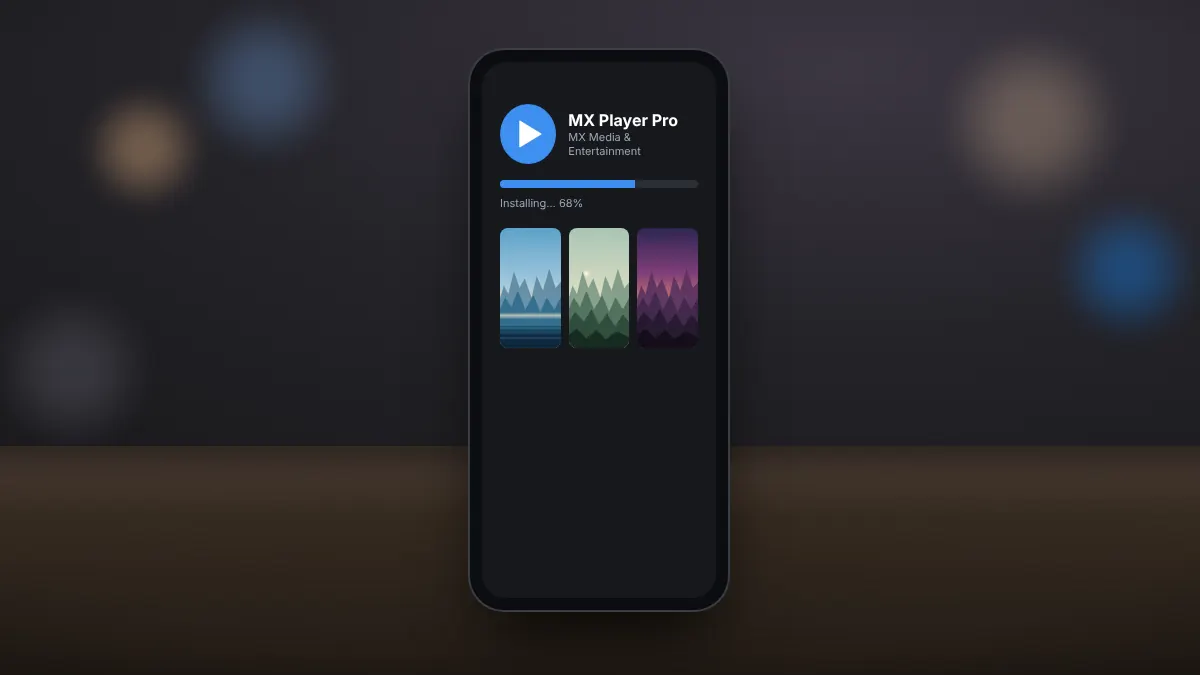
Installing takes a few minutes through Google Play. Because the purchase is tied to your Google account, you can reinstall it later at no extra cost.
Use the download section above. It opens MX Player Pro in Google Play, published by MX Media & Entertainment Pte Ltd.
Confirm the one-time purchase. Google Play downloads and installs the app automatically.
On first launch, let the app read photos and videos so it can list the files on your phone.
Pick a folder, tap a video and use gestures to control volume, brightness and seeking.
Moving to a new phone? Sign in with the same Google account, open Google Play and install MX Player Pro from your library; the earlier purchase is recognised automatically. The installation guide also covers licence messages, compatibility warnings and stalled downloads.
Once the app is installed, spend a minute in the settings. Choosing your default decoder, subtitle size and preferred gestures up front means every video afterwards opens exactly the way you like it. Keeping automatic updates switched on in Google Play is also worth doing, since new releases add support for newer phones and Android versions and fix playback issues with particular files.
MX Player Pro runs on most Android phones and tablets in use today. These are practical recommendations; the Google Play listing confirms compatibility for your exact device.
| Item | Recommendation |
|---|---|
| Android version | A recent Android release; Android 8 or newer recommended |
| Processor | A 64-bit ARM processor for the best performance |
| Memory | 3 GB RAM or more for smooth 4K playback |
| Storage | About 100 MB for the app and its data, plus space for videos |
| Hardware decoding | HEVC support for high-efficiency video; AV1 on newer phones |
| Account | A Google account with Google Play to buy and update the app |
Tablets and Android TV boxes with Google Play can run the app too. On older or budget phones, choose HW+ decoding and avoid very high bitrate 4K files for the smoothest result. Freeing a little storage space and closing apps you are not using also helps, particularly on phones with 3 GB of memory or less, where the system may otherwise pause playback to reclaim memory for other apps running in the background.
Many websites offer free modified copies of MX Player Pro. They are one of the most common ways malware reaches Android phones, and they never receive updates.
Buying the genuine app also supports the developers who keep it updated for new Android versions and new phones. Our article on buying MX Player Pro safely explains the risks of modified files and how refunds work.
Short, practical articles for the questions people ask most, from installing the app to fixing silent videos.
Buy it once from Google Play, install it on every phone you own, and restore it after a reset.
Read fullAds, features and updates compared, with a clear answer on who should upgrade.
Read fullWhat each decoder mode does, which one to pick, and how switching fixes most playback glitches.
Read fullQuick answers about MX Player Pro, its price, decoders, subtitles and safety.
MX Player Pro is the paid, ad-free edition of MX Player, a popular video player for Android phones and tablets. It plays almost any video format, supports subtitles and gestures, and offers hardware-accelerated decoding.
It is a one-time purchase on Google Play. The exact price depends on your country and currency and is shown on the listing before you pay.
No. MX Player Pro is an Android app. On iPhone, iPad, Windows or Mac you will need a different video player.
Both use the same playback engine. The Pro edition removes advertising and focuses on playing your own files, while the free edition is supported by ads.
Yes. Sign in to the same Google account on the new phone and install it from Google Play. The purchase is recognised and you are not charged twice.
They are decoder modes. HW and HW+ use the phone's video hardware for smooth, efficient playback, while SW decodes in software for unusual formats. Tap the label during playback to switch.
The audio track probably uses a format such as EAC3, AC3 or DTS that your phone or the app cannot decode. Try another decoder mode or audio track, or convert the audio to AAC on a computer.
Yes. It reads embedded subtitle tracks and external SRT, SSA/ASS, VobSub and WebVTT files, and it can search for subtitles online.
Modified or cracked APKs are a common source of malware and do not receive updates. Install MX Player Pro only from Google Play, where the developer is listed as MX Media & Entertainment Pte Ltd.
No. mxplayerpro.org is an independent guide. It is not affiliated with the developer of MX Player Pro and does not host APK files. The download button opens the official Google Play listing.